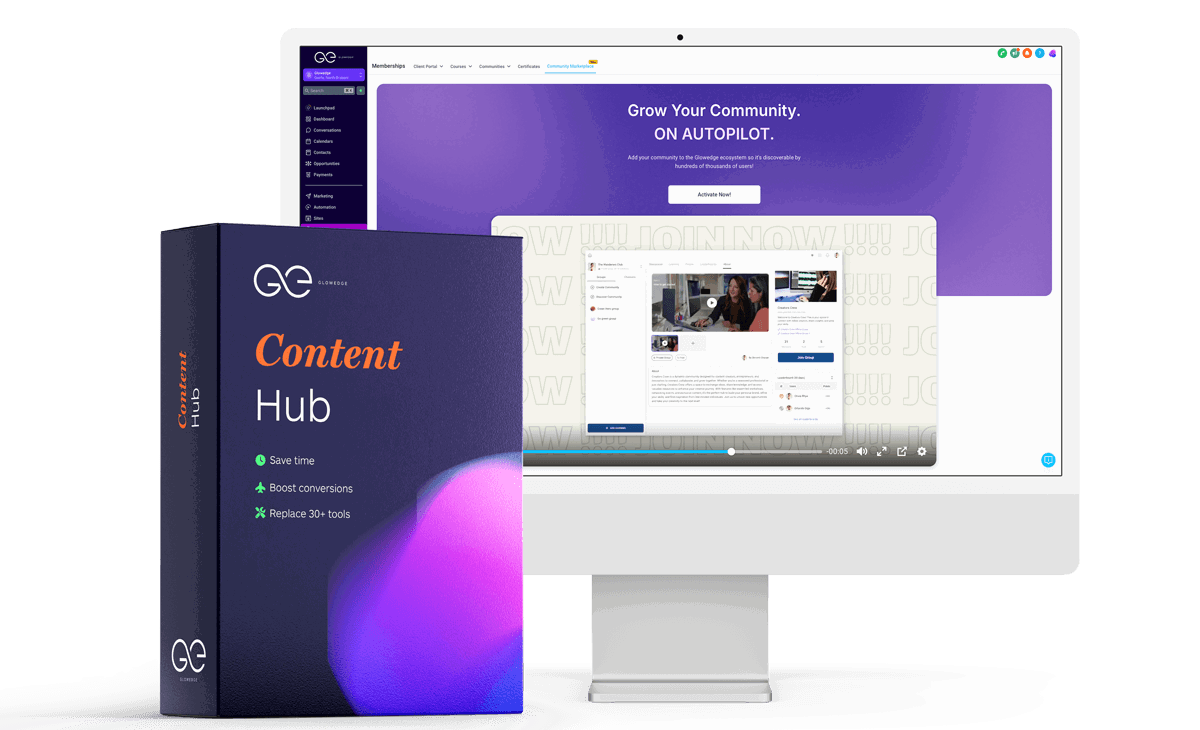
With Glowedge, you have the ability to create and market your own courses right on the platform. After building your course, you can set up an offer for learners, available as a one-time payment or a recurring subscription.
Key Points:
- Glowedge enables you to create, host, and sell unlimited courses.
- You can connect with Stripe or PayPal to handle payments or subscriptions.
- Courses are available for all users to purchase.
Types of Courses You Can Offer on Glowedge
Before you start selling courses on Glowedge, you need to create them and upload all content. Go to the “Sites” section, then select “Memberships” to access the course options. Glowedge provides four main course structures for different types of offerings:
- Sprint Course
- The Sprint course serves as a quick-start template with pre-set components, ideal for a compact course. Each lesson can include text, a video, and extra files like PDFs or Word documents. You can add more pages, subcategories, or assessments for a deeper course experience.
- Express Course
- This is designed as an introductory option for paid memberships or bundled course packages. It’s also great for upselling or as a starter offering.
- Marathon Course
- A more extensive course template, the Marathon option is ideal for in-depth training or skill enhancement, suitable for premium pricing. It includes customizable sections, allowing you to tailor the structure as needed.
- Membership Sites
- For those providing continuous, subscription-based content, the Membership blueprint allows customers to subscribe monthly or annually for ongoing access to new and existing materials. This works well for courses with substantial content or regular live sessions.
- Custom Product
- If your course doesn’t fit the standard templates, Glowedge’s custom course option allows you to create a completely personalized setup. Add lessons, subcategories, and assessments in any sequence to build a unique course.
Marketing Your Courses on Glowedge
After completing your course, you’re ready to set up an offer. Click “Memberships” and choose “Offers” to create a personalized offering, with the option to bundle multiple courses. Add a title and description, select the courses, and set pricing options (free, one-time, or subscription). Make sure to integrate with Stripe or PayPal for payment processing.
Pricing Plans
- You can add a free trial or one-time fee along with a subscription payment.
- When ready, save the offer and use “Edit Checkout” to customize the landing page with a banner image or video, service agreements, and contact fields.
Adding Extras for Your Glowedge Courses
Glowedge offers upselling options to increase revenue:
- One-Click Upsell: After purchase, users are offered an additional course.
- In-App Upsell: Certain content is locked until the user pays an extra fee.
Billing for Your Course
When satisfied with your offer, select “Get Link” to generate a sign-up link, which can be shared via email, website, or landing page. Once users sign up, they’ll proceed to payment, where they’ll be charged accordingly. You can set up one-time or subscription payments with Stripe or PayPal, or connect another processor via Zapier.
Conclusion
Starting your course-selling journey with Glowedge unlocks numerous opportunities. By using this platform, you can create engaging courses and reach a wide audience. Take advantage of an exclusive 14-day trial to explore Glowedge’s full potential—click the link and begin your course-selling adventure with Glowedge today! ??