A Step-by-Step Guide
In today’s competitive business environment, an efficient marketing and CRM platform is crucial. Glowedge offers a comprehensive solution with its powerful features and intuitive interface. This guide will help you get started with Glowedge, allowing you to enhance your business operations effectively.
What is Glowedge?
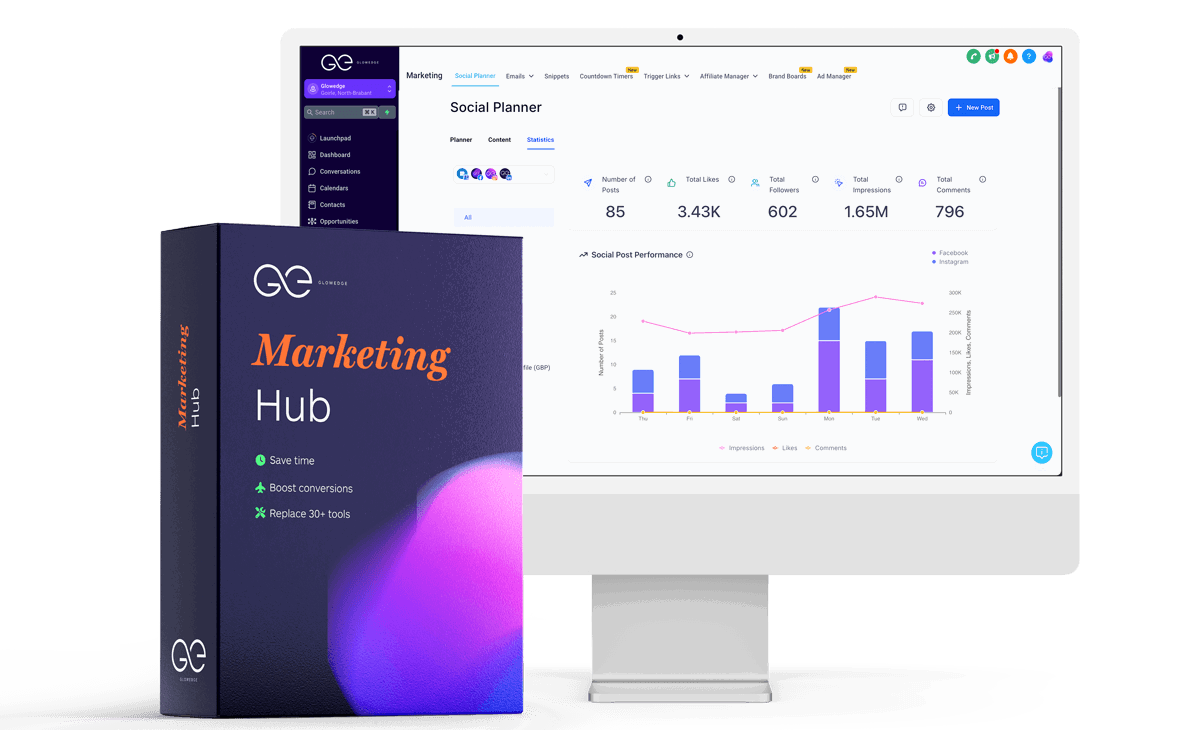
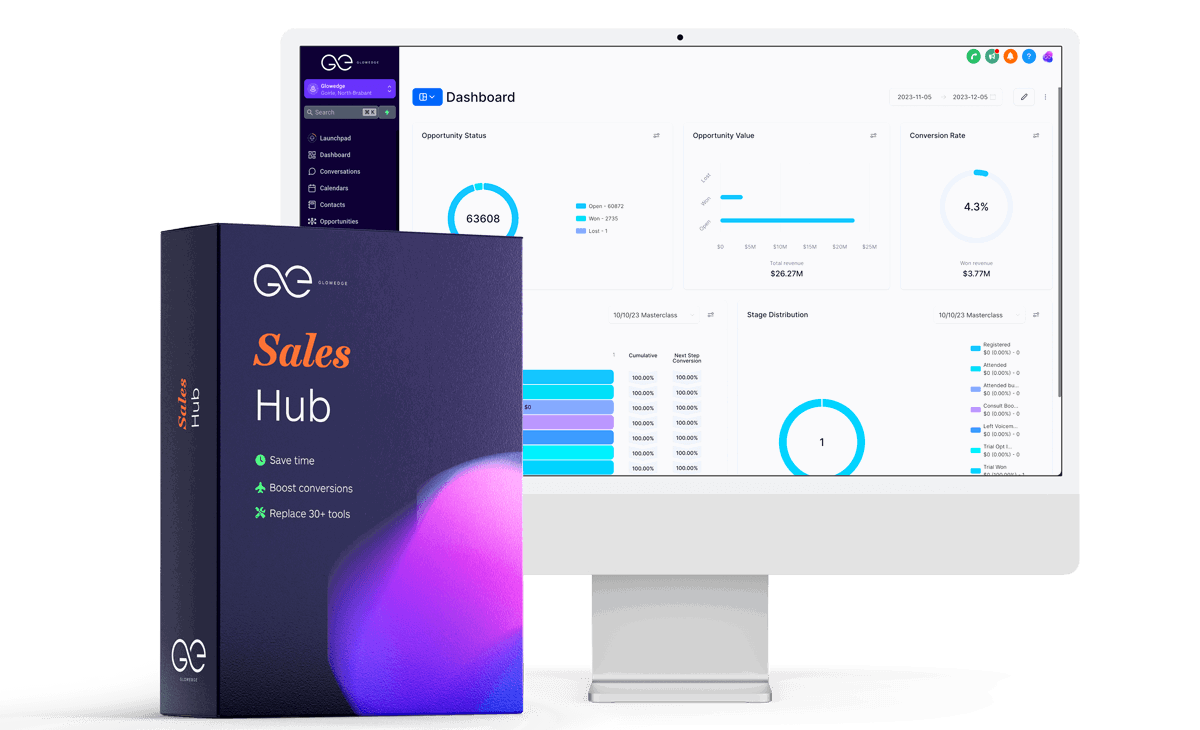
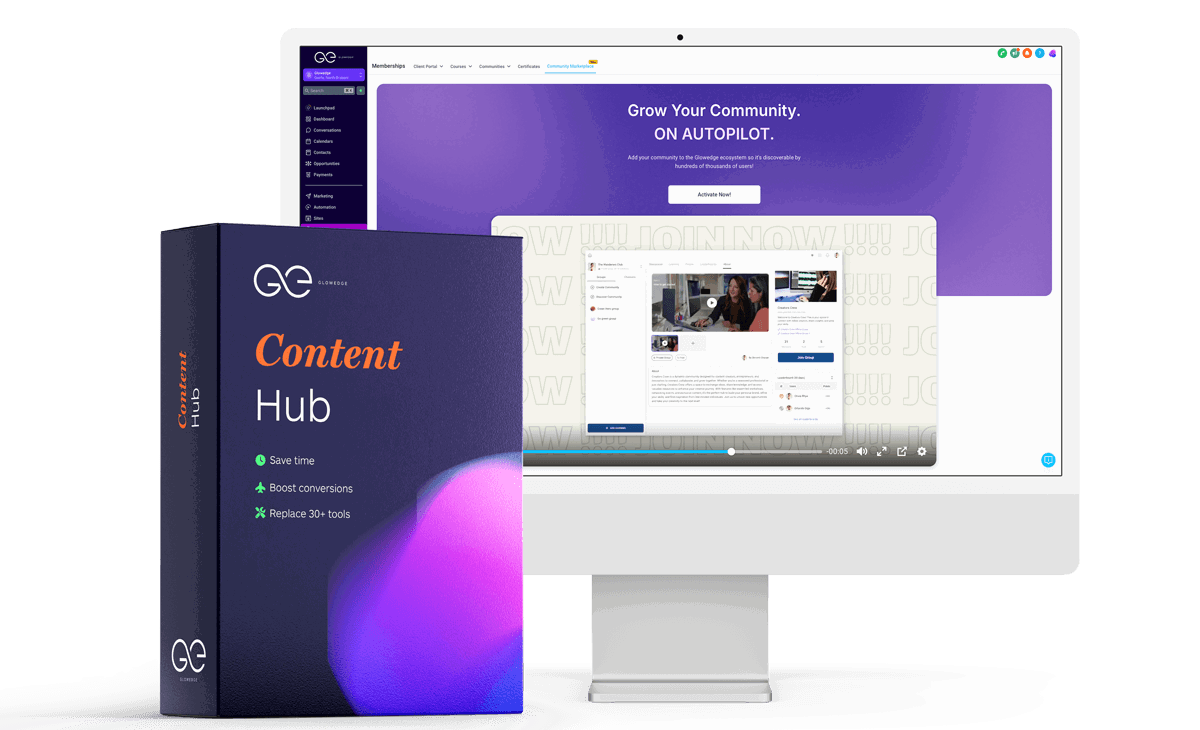
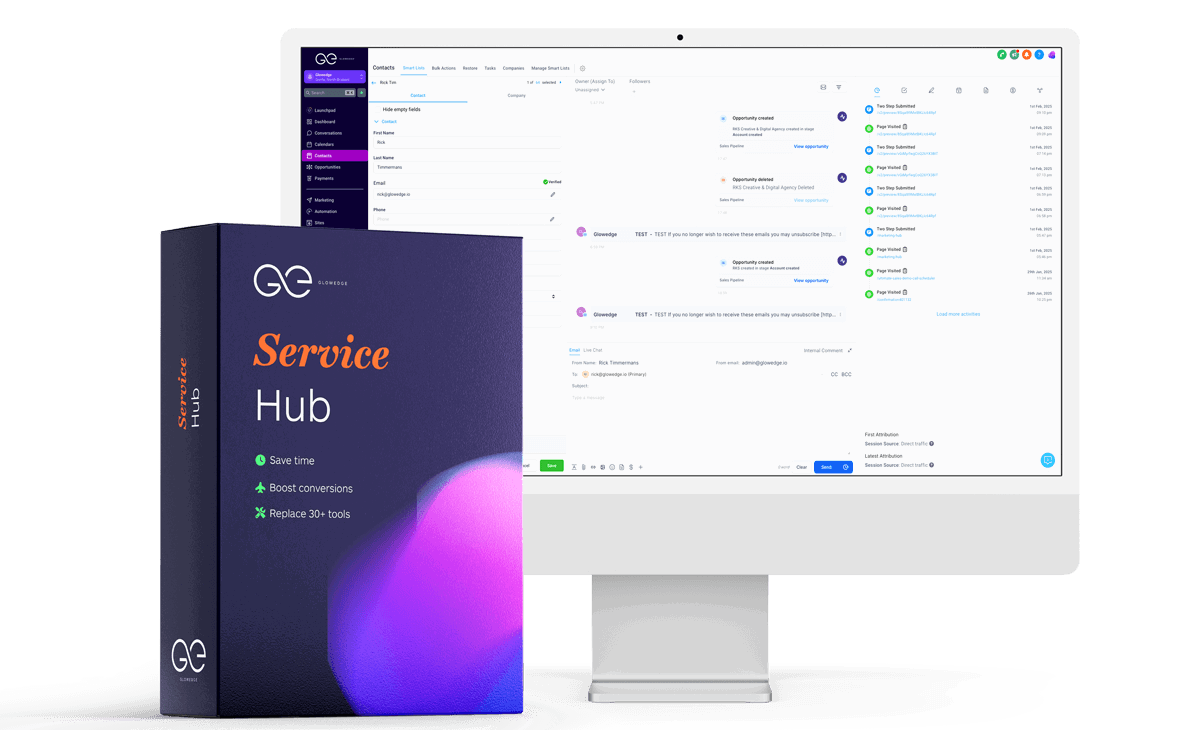
Glowedge is an all-in-one CRM and marketing automation platform. It consolidates various tools such as email marketing, SMS marketing, funnel building, and website creation into one platform, promoting efficiency and cost savings.
Why Choose Glowedge?
Glowedge stands out for several reasons:
- All-in-One Solution: Combines multiple marketing and CRM tools.
- User-Friendly Interface: Simple to navigate, even for beginners.
- Customizable: Adapts to your business needs.
- Automation: Reduces repetitive tasks and errors.
- Cost-Effective: Offers great value compared to separate tools.
- Outsourcing Solutions: Provides marketing outsourcing options, enabling entrepreneurs to collaborate with a Customer Success Manager for comprehensive support.
Steps to Get Started
Step 1: Sign Up for Glowedge
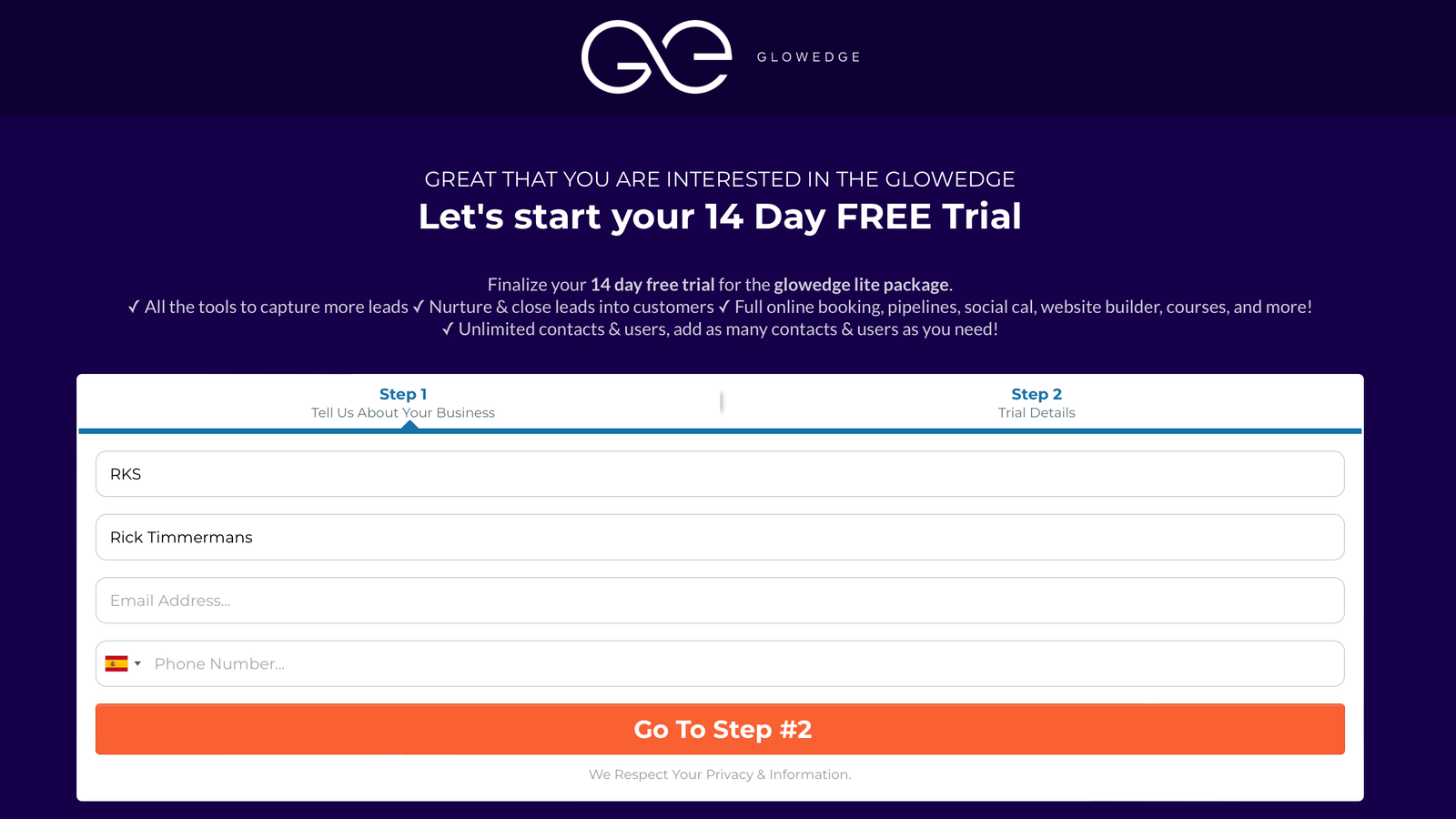
Begin by visiting the Glowedge website and signing up for a free trial. Enter your email and create a password to access the platform.
Step 2: Set Up Your Account
Configure your business information, including name, contact details, and branding elements. Glowedge’s setup wizard will guide you through the process.
Step 3: Import Your Contacts
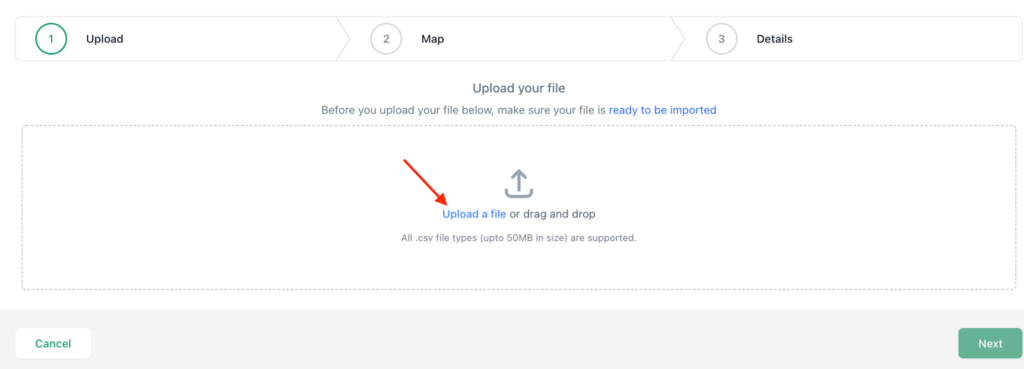
Upload a CSV file with your contact information. Ensure accurate data import by mapping the fields correctly.
Step 4: Create Your First Campaign
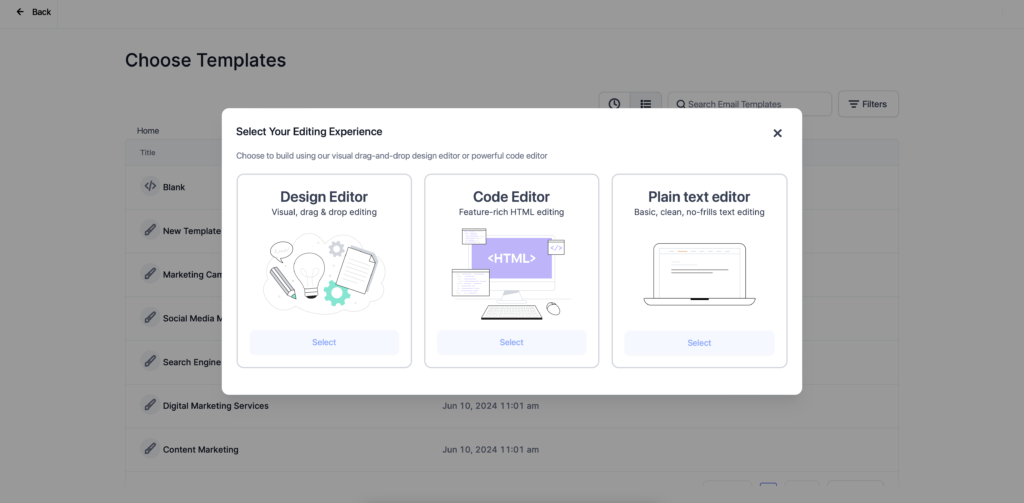
Navigate to the “Campaigns” section to create email, SMS, or voice marketing campaigns. Set your target audience, message content, and schedule.
Step 5: Build Your Sales Funnel
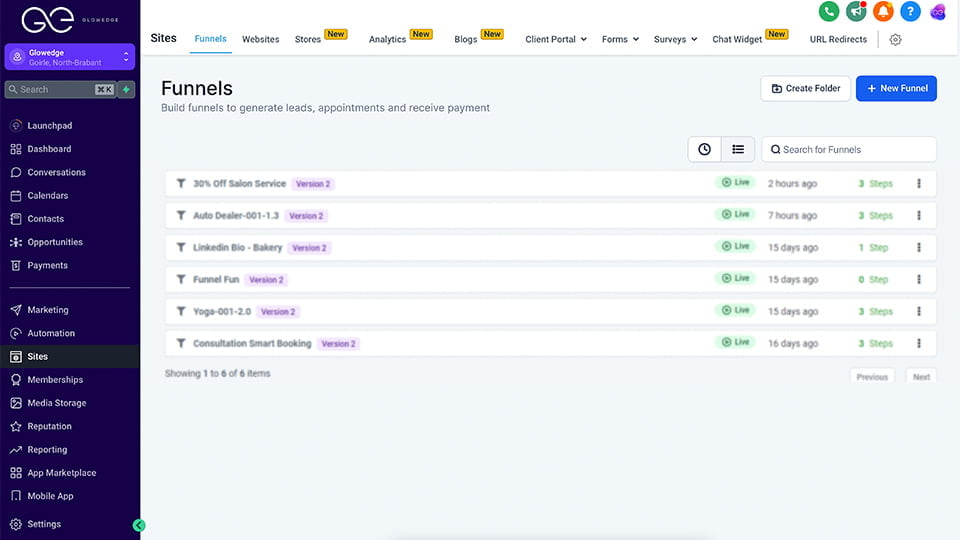
Use Glowedge’s funnel builder to create sales funnels. Select from pre-designed templates or customize your own using the drag-and-drop editor.
Step 6: Design Your Website
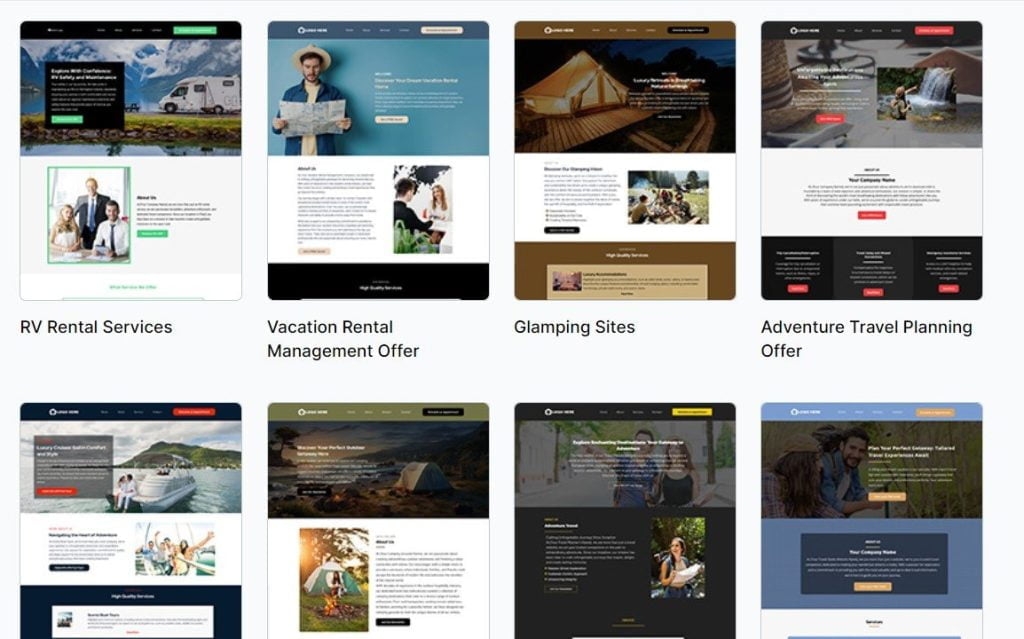
Create a professional website using Glowedge’s website builder. Choose a template or start from scratch and customize it to match your branding.
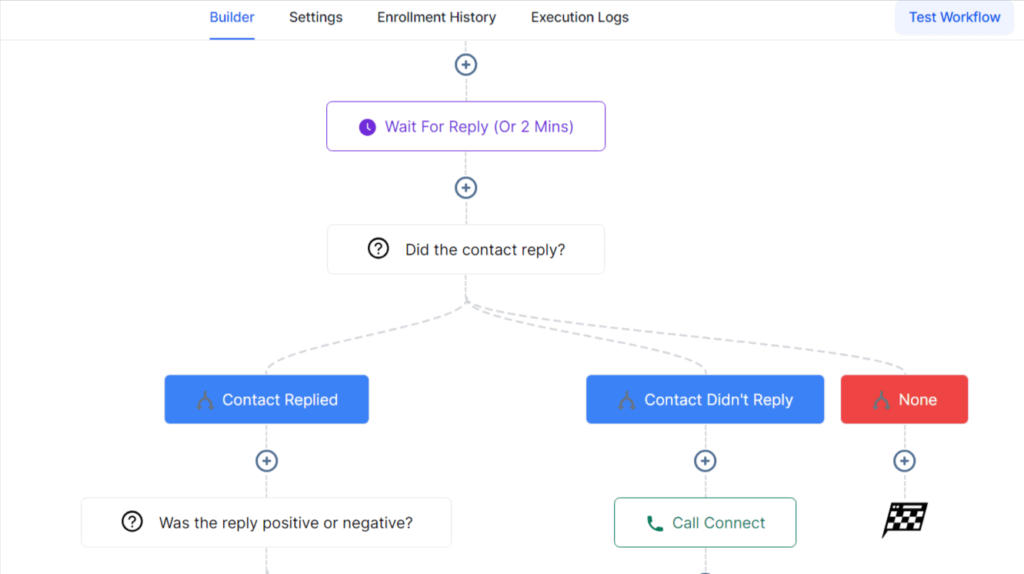
Step 7: Set Up Automation
Automate workflows for tasks like follow-up emails and lead assignment. Create custom workflows or use pre-built ones to streamline processes.
Step 8: Track Your Performance
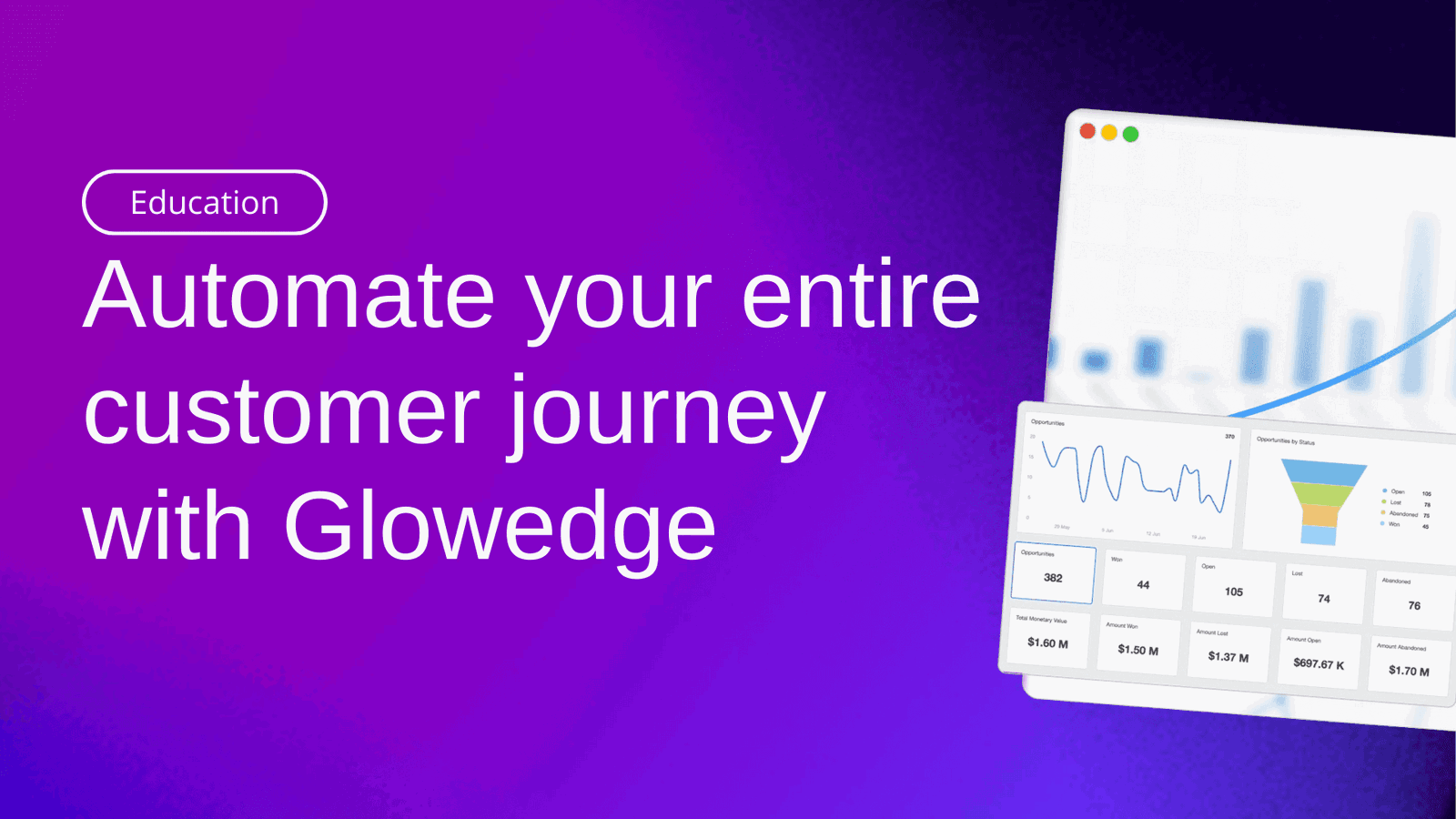
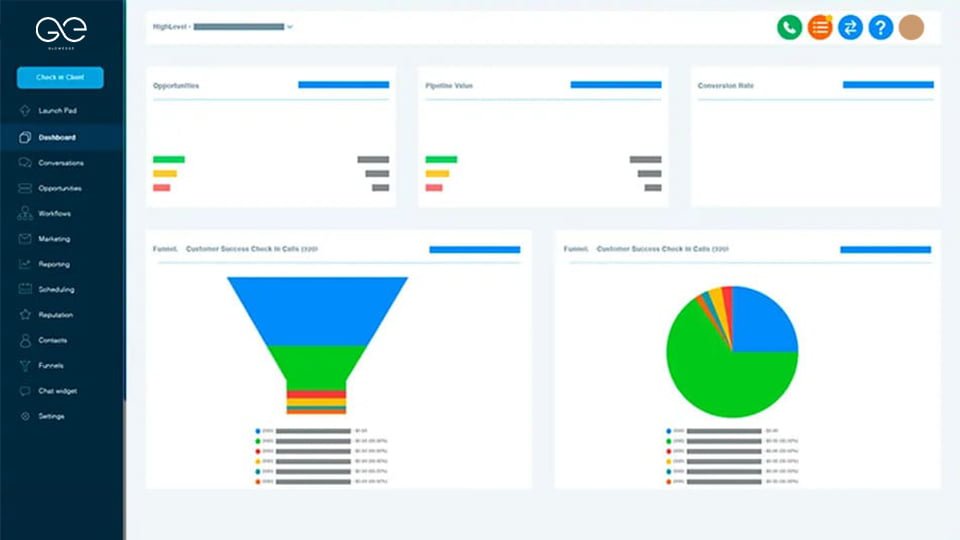
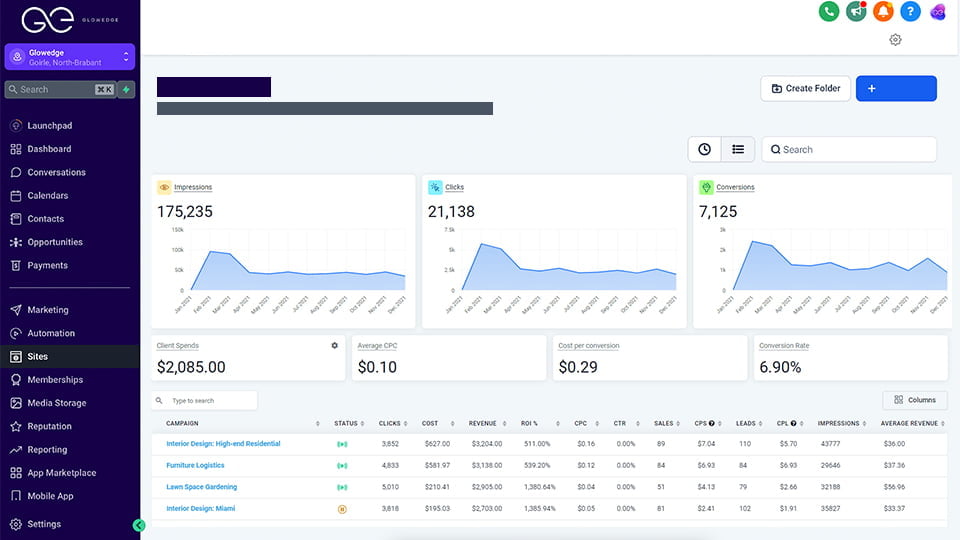
Utilize Glowedge’s analytics and reporting tools to monitor campaign performance, view metrics, and make data-driven decisions to optimize your strategies.
Tips for Success
- Keep Contacts Updated: Regularly import new contacts and remove inactive ones.
- Test Campaigns: Ensure your messages are delivered correctly.
- Monitor Metrics: Adjust strategies based on performance data.
- Leverage Automation: Save time and reduce manual tasks.
- Seek Support: Contact Glowedge’s support team for any issues.
Outsourcing Solution
Glowedge also offers a unique outsourcing solution, relieving you of all marketing activities. Collaborate with a dedicated Customer Success Manager to set up and optimize your Glowedge platform. This service allows you to focus on your core business operations while ensuring your marketing strategies are expertly managed and executed, saving you time and driving greater success.
Conclusion
Getting started with Glowedge is simple and can significantly enhance your marketing and CRM efforts. By following this guide, you can set up your account, import contacts, create campaigns, build sales funnels, design a website, and automate workflows, all within a single platform. Glowedge is a valuable tool for businesses of any size, offering comprehensive features and ease of use. The additional outsourcing solution further supports entrepreneurs by managing marketing activities, allowing them to focus on growing their organization.